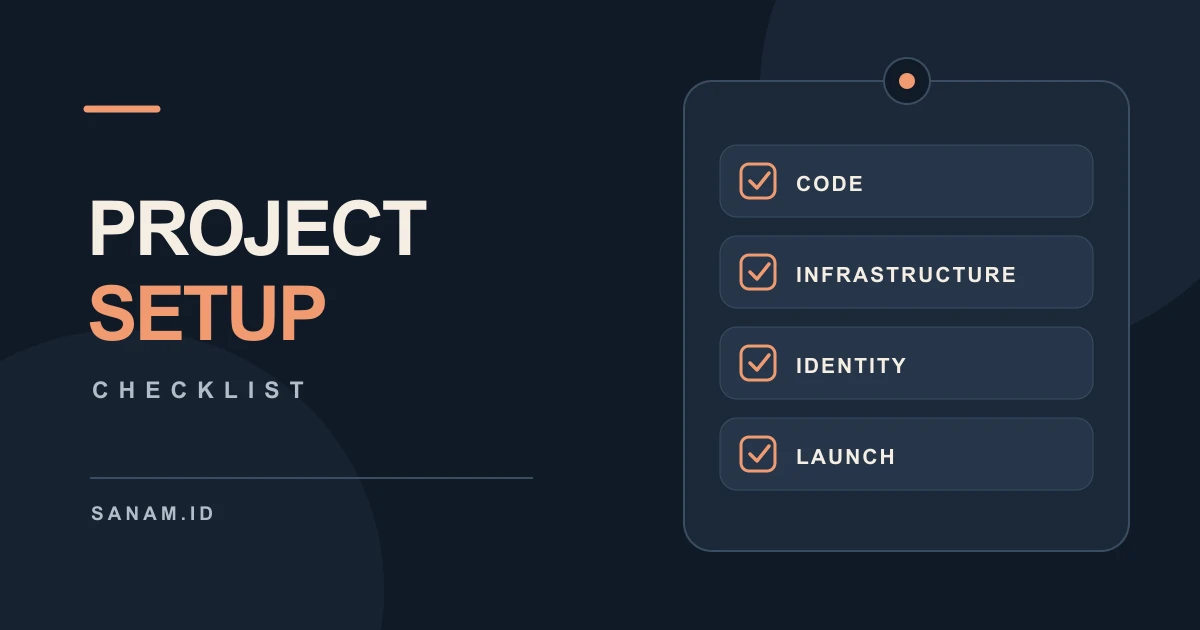
This is my checklist for setting up a new product, from my preferred stack for new repos to infrastructure, branding, and search. These are my defaults; I only add the apps and services the product needs.
Code
- Monorepo: Turborepo with Bun workspaces
- Package Manager: Bun
- Development Tool Versions: mise to install and switch project-specific runtimes and CLI tools, with version pins in a committed
mise.toml - Landing Page: Astro
- Web App & Admin Panel: React with TanStack Router for file-based routing and Vite
- API: Hono running on Bun, deployed as Vercel Functions with the Bun runtime and Fluid Compute
- Desktop App: Electron
- Authentication: Better Auth
- ORM & Migrations: Drizzle
- Styling & Components: Tailwind CSS + shadcn/ui
- Linting & Formatting for TypeScript Apps: Oxlint + Oxfmt for Bun + Hono APIs, Electron, CLI apps, React apps, and other non-Astro TypeScript projects
- Linting & Formatting for Astro: ESLint +
eslint-plugin-astrofor linting; Prettier +prettier-plugin-astrofor formatting - Version Control: GitHub
- Project Instructions: Coding agent rules + OpenSpec skill
Infrastructure
- Hosting: Vercel Pro for the landing page, web app, admin panel, and API
- CI/CD: Vercel’s GitHub integration
- Domain Registrar: Porkbun
- DNS & DDoS Protection: Cloudflare Free with proxy enabled for the project domains
- Cloudflare Settings: Full (strict) SSL, Bot Fight Mode, and a rate limit rule for
/api/* - Database: PlanetScale Postgres, single node in AWS
us-east-1, one database per product - Database Failover: PlanetScale three-node HA when needed
- File Storage & CDN: Cloudflare R2 with a custom
cdn.subdomain, accessed through the S3 SDK - Background Workers: Railway when needed
- Logs & Error Alerts: Axiom Personal, one dataset per product, connected to Vercel with error level monitors
- Product Analytics & Error Tracking: PostHog when the product has users
- Transactional Email: Resend with the sending domains verified
- Secrets: Vercel environment variables for Production, Preview, and Development;
vercel env pullfor local development - Secrets Across Hosts: Doppler if the product runs on multiple hosts
- App-Level Rate Limiting: Hono middleware
Product Identity
- Name: Finalize the product name
- Description: Write a one-line explanation of what it does
- Tagline: Write a short tagline
- Logo: Generate the main logo and icon
- Site Assets: Create the favicon and social sharing image
- Email Addresses: Set up the product’s domain email addresses
Search & Launch
- SEO Metadata: Add page titles, descriptions, and social sharing metadata
- Sitemap: Generate
sitemap.xml - Robots: Configure
robots.txt - Google Search Console: Verify the domain and submit the sitemap
- Launch Check: Test the live landing page, app, API, and email flow